Keep members in view.
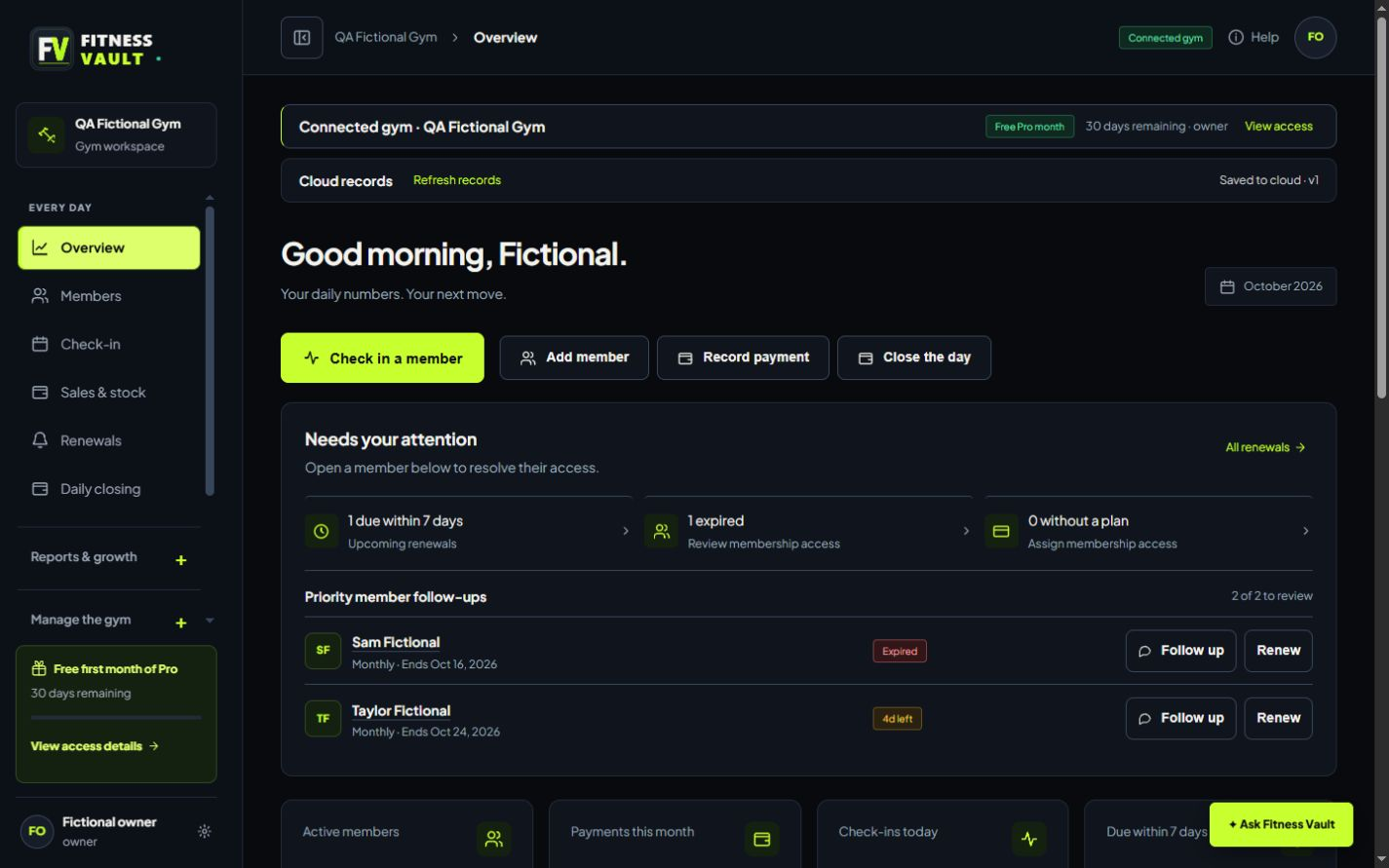
Contacts, membership dates and attendance stay together. Import a CSV and review it before adding records.


Members, check-ins, renewals and daily closing. One clear workspace for the people running your gym.
One free month of Pro. No card. No automatic charges.
The Fitness Vault dashboard, captured from the working app with fictional records. The same navigation, actions and membership follow-ups you use in your gym.

A browser workspace for your front desk, with the bigger picture ready when you need it.
Contacts, membership dates and attendance stay together. Import a CSV and review it before adding records.
See renewals coming up, copy a message and log the response. Your team decides when to contact a member.
Record money received, retail sales and expenses. Review payment methods before closing the day.
A member’s journey, without the paperwork shuffle.
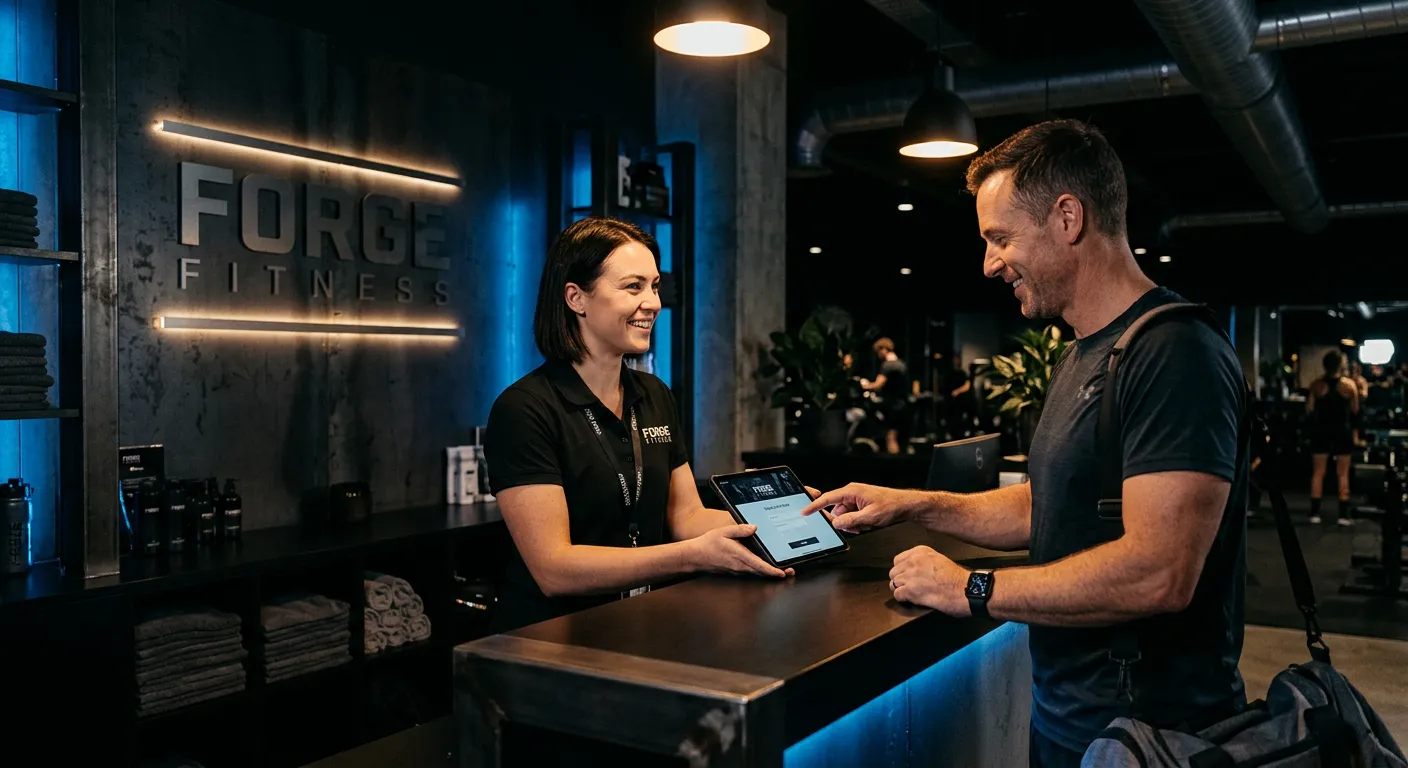

Give the next shift one place to pick up where you left off. Owners control team access; staff get the tools for their daily work.
Watch the walkthrough with fictional records, then try the same tasks in the sample gym.
Read the written walkthroughPrefer a dedicated window? The Windows app is available for Windows 10 and 11, 64-bit. Online accounts and shared records need a connection.
Start with Pro. Then choose the software access that suits your gym. Activation is arranged manually.
The daily essentials.
More room for your team.
Keep branches connected.
No card required. No automatic charges. Software access is separate from the membership plans you sell to gym members. International prices are available by enquiry.
What you can expect from the beta.
Yes. The sample gym uses fictional members, payments and attendance. Open it from this page and explore before creating an account. Sample changes stay in your browser.
You record money you have already received. Fitness Vault does not process payments or send automatic reminders. You can copy a renewal message and log your follow-up.
Pro and Business include staff access. Owners assign roles and branch access. Front-desk staff get their permitted service tools; owner controls stay restricted.
Connected gyms save to protected cloud storage. You can download JSON backups and CSV exports, and owners can use recovery history. Keep independent backups during the beta.
AI chat explains aggregate gym reports, and CSV assistance helps map contact columns for review. AI cannot edit records or contact members. Photo extraction is still being validated; normal CSV import remains available.
Yes. The workspace supports PHP and USD with country, timezone and display settings. Select your country above to see the available software pricing.
Start with the sample. Make it your gym when you’re ready.