See the right period.
Switch between Today, This week and This month. Payments, expenses and unique visits stay in context.

Members, check-ins, renewals and daily closing in one workspace. Ask AI to explain your reports and prepare drafts for your team to review.
No account needed for the sample. Fictional records.
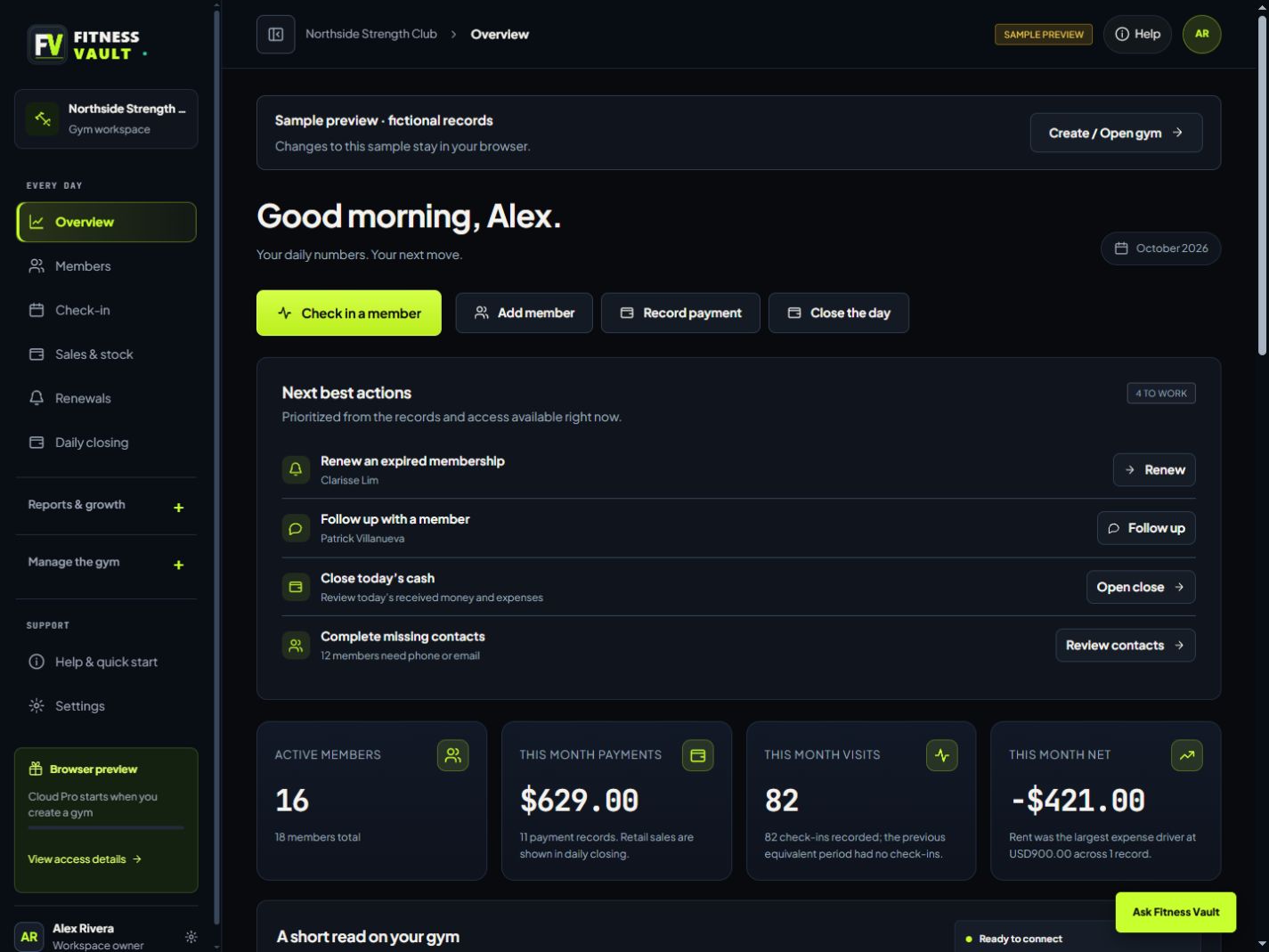
The updated dashboard puts daily actions first. Start with what needs your attention.
Renewals, follow-ups, daily closing and missing contacts appear when your records call for them.

Switch between Today, This week and This month. Payments, expenses and unique visits stay in context.
Select a chart date to inspect collections, expenses and visits, then open the related records. Peak hours show recorded check-in times.
Get a plain-language read on your reports. Prepare a briefing or a renewal message, then review it with your team.
Illustrative example · Fictional gym data
21 October 2026 snapshot · Same fictional records as the dashboard
What do this week’s collections, expenses and visits tell me?
This week shows $196 in recorded collections, $0 in recorded expenses and 47 unique visits.
Check that all expenses have been recorded before using these figures for a closing decision. Visits describe attendance; they do not show how much each member paid.
Review the source report before making a decision.
21 October 2026 snapshot · Aggregate member and operations figures
Prepare a short briefing for the next shift.
Check membership access before admitting members. Review renewal items and prepare follow-ups for staff to handle.
Complete missing phone or email details for 12 member records. Before closing, verify received payments and recorded expenses.
Review the briefing with your team before using it.
21 October 2026 snapshot · Aggregate report, without personal details
Draft a warm renewal follow-up without member names or contact details.
Hi! A quick check-in from the gym: if you’d like to renew your membership, please speak with our front desk. We’ll help you review the available options. Thanks for training with us!
Review and personalize the draft, then send it yourself.
Built around the people, the floor and the work that keeps your gym moving.
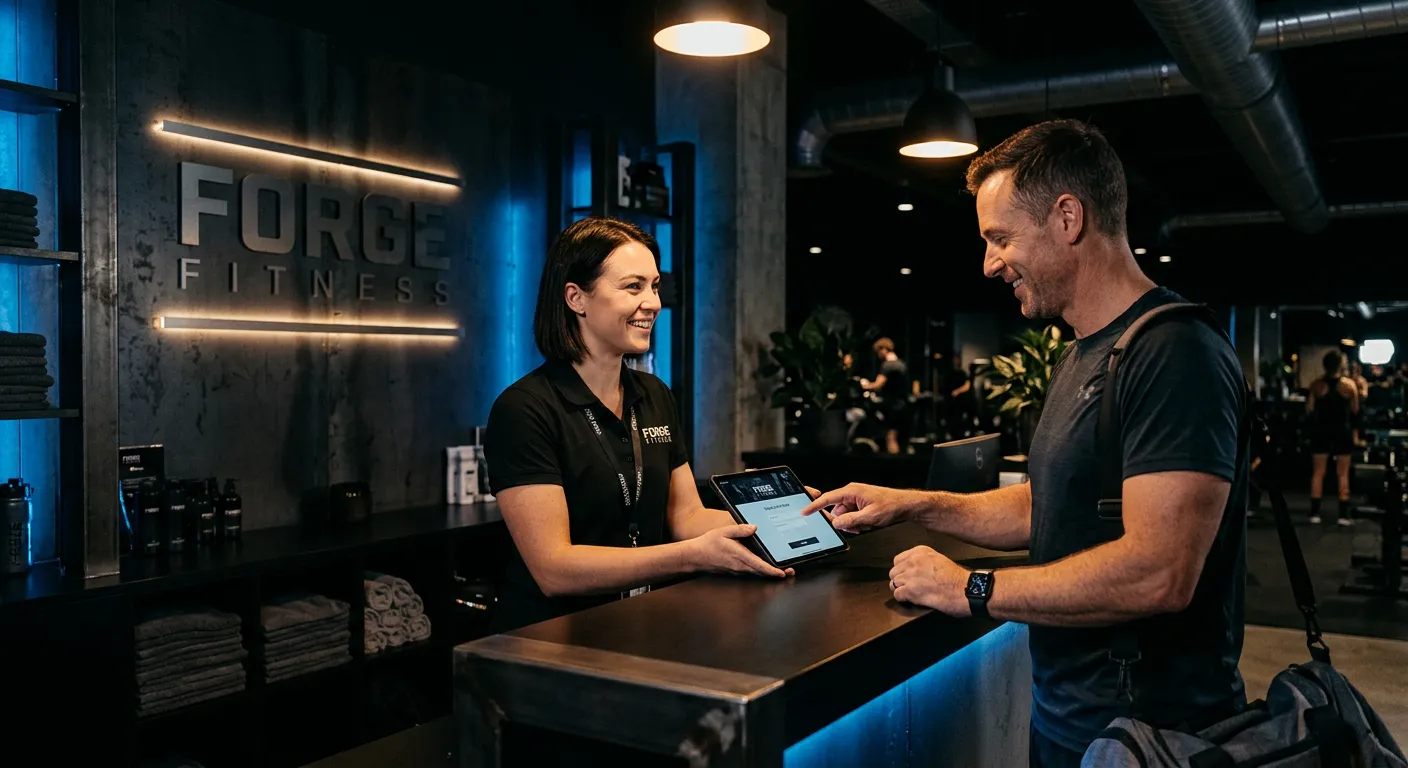
Illustrative gym imagery. Explore the sample to try the actual workflows.
Four everyday jobs. One place to pick up
where you left off.
Keep member details, membership dates and access together. Start the relationship with everything in place.
Explore sample membersFind the member, confirm their access and record the visit. Keep the front desk moving with the floor.
Try the check-in deskSee renewals coming up. Prepare a message for your team to send, and keep the next shift in the loop.
Explore sample renewalsReview received payments, retail sales and expenses. Know where the day stands before you call it a night.
Explore daily closing Fitness Vault / Sample gymFictional records
Actual screens from the updated sample app.

Less time chasing records. More time for the members and staff who make your gym what it is.
Find your flowIllustrative gym imagery from the existing design.
Start with one free month of Pro.
No card. No automatic charges.
Software access is separate from the memberships you sell. See current plans & regional pricing
Ask questions about aggregate gym reports, request an on-demand briefing, or prepare a renewal message or staff handoff draft. Your team reviews the output and handles record changes and member communication. AI assistance requires a connected Pro or Business gym with AI enabled. The examples on this page use fictional data.
Yes. Explore the sample gym with fictional records. The sample keeps changes in your browser.
Record payments after you receive them. Prepare renewal messages for a person to review and send.
Fitness Vault serves Philippine and international gyms. PHP and USD display settings are available. Check the current plans page for regional pricing.